Every project / Games
🏃 Pixel Jumper
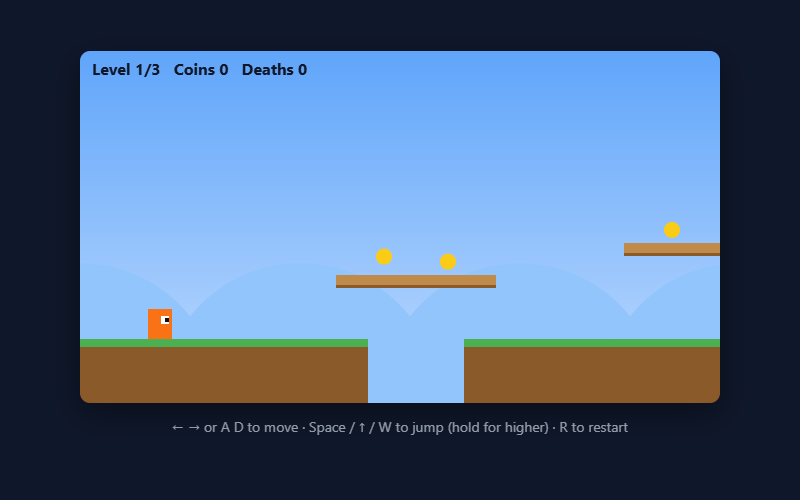
A platformer with 3 levels: run, jump, grab coins, dodge spikes, reach the flag.
- Language
- HTML, CSS & JavaScript
- Level
- Intermediate
- Category
- Games
What you'll learn
- Tile maps
- Gravity & jumping
- Collision with walls
- Scrolling cameras
- Game feel (coyote time!)
How it works
- Levels are text maps in levels.js. Every character is a 32×32 tile.
- Movement happens one direction at a time: move, check for walls, and if you're inside one, snap back to its edge.
- Coyote time lets you jump for a few frames after running off a ledge, and the jump buffer remembers a jump pressed just before landing.
- The camera follows the player, and the hills in the back move slower than the ground (parallax).
Knobs to turn
These settings are near the top of the code. Remix it, change one, and watch what happens. The preview updates as you type.
| Setting | Starts at | File | What it does |
|---|---|---|---|
TILE | 32 | game.js | size of one tile in pixels |
GRAVITY | 0.6 | game.js | how fast you fall |
JUMP | 12 | game.js | jump speed (bigger = higher) |
SPEED | 4 | game.js | running speed |
MAX_FALL | 14 | game.js | fastest you can fall |
COYOTE | 6 | game.js | frames you can still jump after running off a ledge |
JUMP_BUFFER | 6 | game.js | frames a jump press is remembered before you land |
Files
| File | Lines | |
|---|---|---|
index.html | 20 | the page: what shows up |
game.js | 264 | what it does |
levels.js | 46 | Each level is a picture made of letters. Every character is one 32×32 tile |
Challenges
Each one is a bit harder than the last. Teachers: these make good assignment instructions.
- Change GRAVITY and JUMP to make the game feel floaty or snappy.
- Design a 4th level in levels.js.
- Add a double jump (hint: count jumps since you last touched the ground).
- Add an enemy that walks back and forth on a platform.
- Make a timer and show your best time for each level.