Every project / Useful Apps
🎨 Pixel Painter
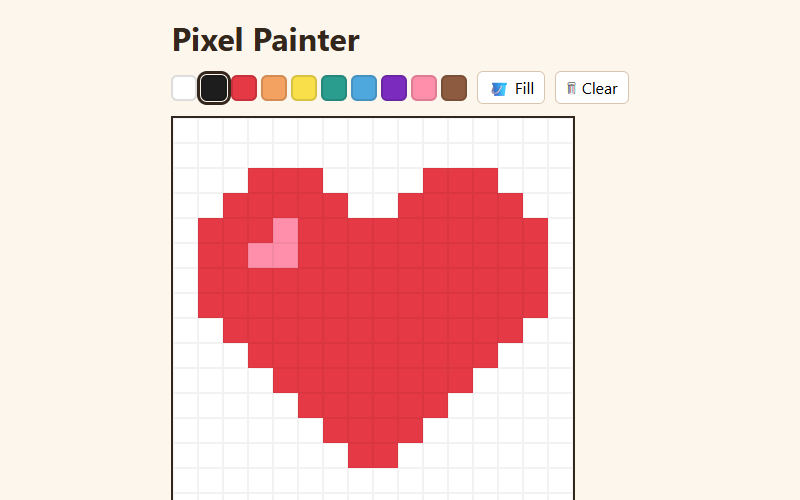
A tiny pixel-art editor with a palette, eraser and fill bucket. Your art is saved automatically.
- Language
- HTML, CSS & JavaScript
- Level
- Beginner
- Category
- Useful Apps
What you'll learn
- Building a grid with CSS
- Click & drag
- Flood fill (recursion)
- Saving with JSON
- Event delegation
How it works
- The picture is a list of 256 colors (16×16), shown as a CSS grid of little squares.
- Painting finds the square under your pointer, so dragging works with a mouse or a finger.
- The fill bucket uses recursion: paint this square, then spread to each neighbor that had the same old color.
- Every change is saved to localStorage as JSON, so your art is there next time.
Knobs to turn
These settings are near the top of the code. Remix it, change one, and watch what happens. The preview updates as you type.
| Setting | Starts at | File | What it does |
|---|---|---|---|
SIZE | 16 | paint.js | pixels per side (16 = a 16×16 picture) |
Files
| File | Lines | |
|---|---|---|
index.html | 22 | the page: what shows up |
paint.js | 82 | what it does |
style.css | 79 | how it looks |
Challenges
Each one is a bit harder than the last. Teachers: these make good assignment instructions.
- Swap in your own color palette.
- Make the grid 24×24 instead of 16×16.
- Add a "mirror" mode that paints both sides at once.
- Add undo (hint: keep a list of past grids).
- Add an animation mode with two frames that flip back and forth.